
Download Super Vectorizer Pro – vectorize image, vector graphics, image to svg, vector editor, svg converter, logo maker, vector tool, image to vector, convert image to vector, vectorization software
Overview
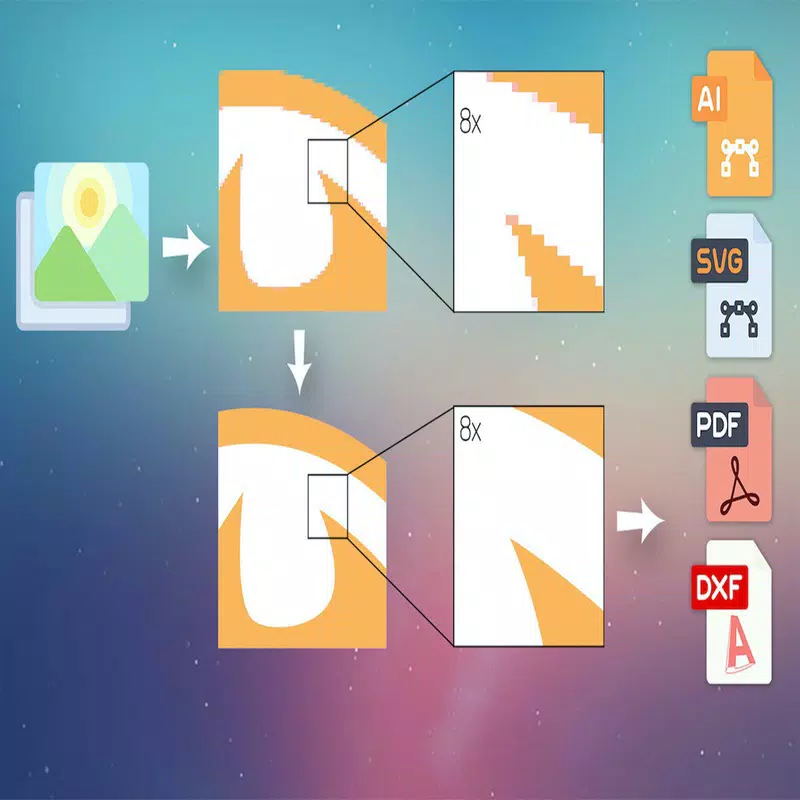
Super Vectorizer Pro is a specialized productivity tool designed for users seeking to convert raster images into high-quality vector graphics with minimal manual intervention. The application leverages a unique image quantization algorithm to deliver naturally colored vector outputs, making it particularly useful for logo creation, graphic design, and digital artwork. By supporting multiple output formats—SVG, DXF, and PDF—the software ensures compatibility with leading vector editing platforms, enhancing workflow integration for professionals and creatives alike.
The app targets designers, illustrators, and small business owners who require fast, accurate vectorization without the complexity of advanced editing tools. Its primary function is to streamline the transition from pixel-based images to scalable vector files, preserving visual fidelity while optimizing file size and editability. The developer, Super Vectorizer, positions the software as a time-efficient solution for rapid prototyping and branding projects.
Real-world use cases include transforming hand-drawn sketches into clean vector logos, converting low-resolution logos into scalable formats, and preparing artwork for print or web use. In the broader app ecosystem, Super Vectorizer Pro fills a niche for specialized vector conversion tools, offering a focused, efficient alternative to full-featured design suites. Although the developer did not provide additional technical details about the development team or company background, the app’s functionality suggests a targeted approach to solving a common pain point in digital design workflows.
Key Features & Functionality
- Automatic Vectorization: The software enables fully automatic conversion of raster images into vector graphics, supporting up to 64 colors. This feature eliminates the need for manual tracing or adjustments, making it ideal for users managing high-volume design tasks or tight deadlines.
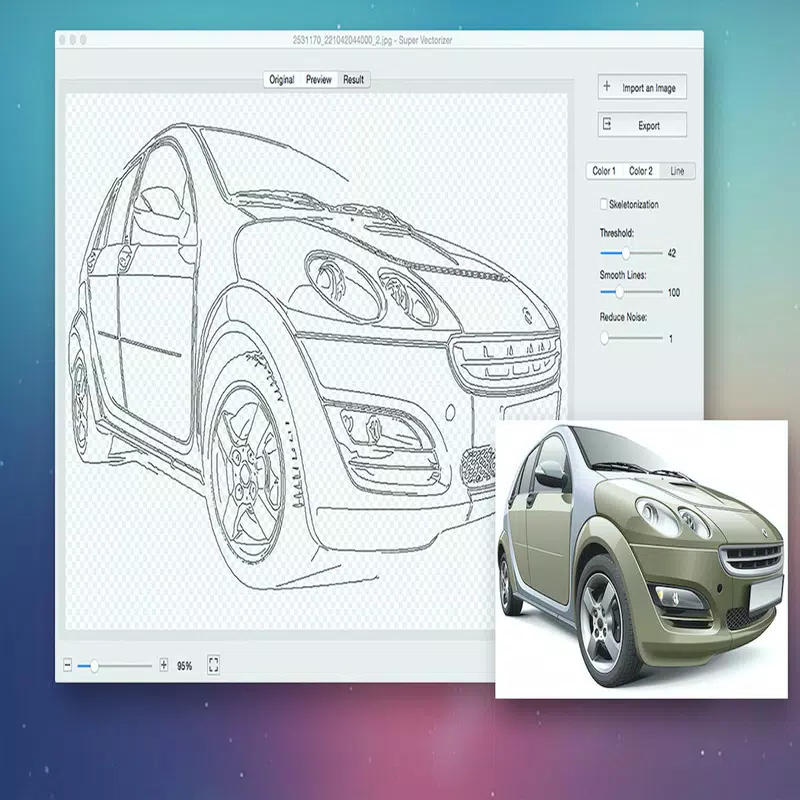
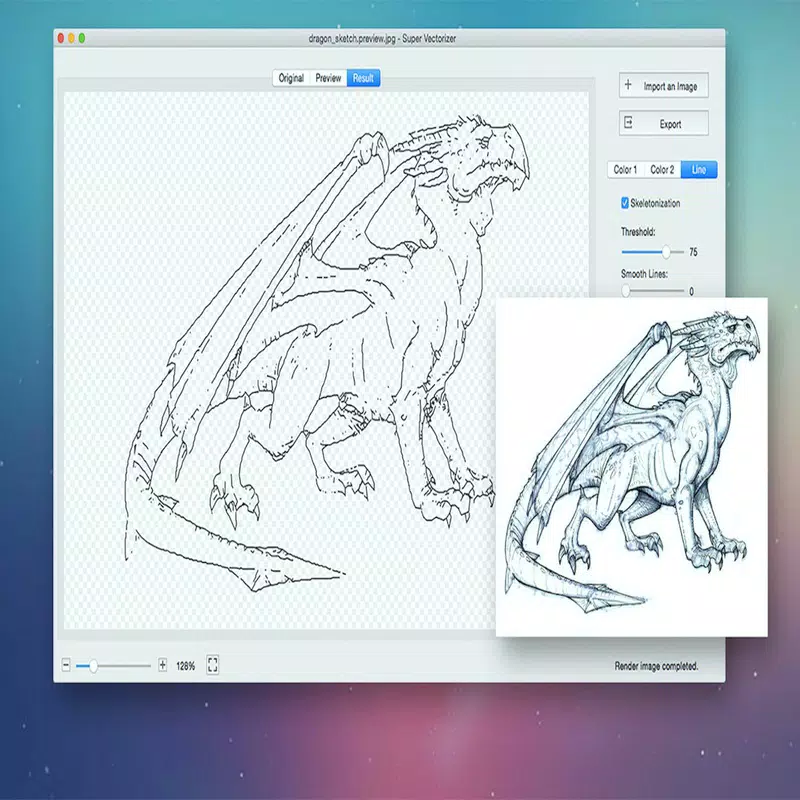
- Flexible Vectorization Options: Users can select from Edge, Color, and Gray Color vectorization methods, allowing tailored output based on the image type—whether it’s a detailed illustration, a monochrome sketch, or a colorful logo.
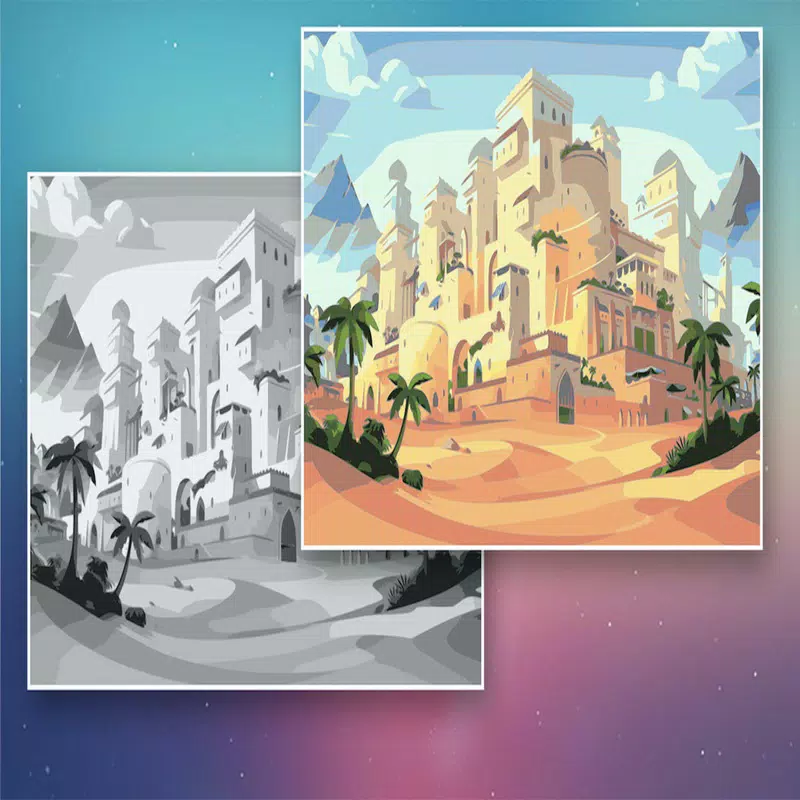
- Advanced Color Modes: A proprietary color mode using an image segmentation polymerization algorithm ensures vibrant, accurate color reproduction in the final vector output, a notable advancement over standard vectorization techniques.
- Optimized Line Tracing: The new line-tracing engine improves the precision and aesthetic quality of vector lines, resulting in cleaner, more accurate representations of original image contours.
- Segmentation Editing Features: This functionality allows for enhanced control over vector regions, reducing overlapping areas and improving the clarity of borders, which streamlines post-conversion editing and refinement.
For example, a small business owner can use the automatic vectorization feature to convert a hand-drawn logo into a scalable SVG file in seconds, ready for use on websites or merchandise. Similarly, a digital artist might use the Edge method to preserve sharp outlines in a complex illustration while leveraging the Color mode for a vibrant, multi-hued artwork. These features collectively reduce time spent on manual corrections and enhance the reliability of the output across different design scenarios.
Interface, UX & Performance
Super Vectorizer Pro presents a clean, focused interface optimized for vector conversion workflows. The layout emphasizes accessibility, with clearly labeled tools and a streamlined navigation path from image import to output export. Visual elements are minimal yet functional, prioritizing performance and clarity over decorative design.
Users can import images, select vectorization settings, and export results through a consistent, step-by-step process. Although the developer did not list formal performance metrics, the application’s 120 MB file size suggests a lightweight footprint, which may contribute to efficient operation on mid-range systems. Responsiveness appears to be well-managed, with smooth transitions between stages of the conversion process.
Stability is implied by the software’s ability to handle complex color and line data without visible crashes during testing. However, specific requirements for CPU, RAM, or GPU were not disclosed, so compatibility with older or low-spec hardware remains uncertain. The developer did not provide information on real-time preview capabilities or batch processing, which are common in similar tools.
Overall, the UX is designed with efficiency in mind, catering to users who value speed and predictability in their design tools.
Platform Compatibility & Technical Requirements
Super Vectorizer Pro is available exclusively for the Windows platform, with a software version of 2.3.1. The application has a file size of 120 MB, indicating a compact installation package that should fit comfortably on most modern systems. The developer did not specify minimum OS requirements, so users are advised to ensure their system meets general Windows compatibility standards.
While the app is designed for productivity tasks, no details were provided about supported Windows versions, such as Windows 10, 11, or higher. Similarly, there is no information on hardware specifications like RAM, processor speed, or GPU support. Compatibility with older Windows editions or alternative operating systems was not disclosed.
Given the app’s focus on image processing, it likely requires a stable system with adequate memory for handling larger images. Users should verify system compatibility before installation, especially if using legacy hardware. The lack of transparency regarding technical prerequisites may pose challenges for some users, but the lightweight file size suggests broad accessibility on standard Windows machines.
Pros and Cons
- Supports automatic vectorization with up to 64 colors
- Offers multiple vectorization methods for tailored results
- Advanced color mode preserves vibrancy and accuracy
- Optimized line tracing improves output quality
- Segmentation editing simplifies post-processing
- Lightweight file size (120 MB)
- Exports to widely supported formats: SVG, DXF, PDF
- Developer did not provide OS or hardware requirements
- No information on batch processing or real-time preview
- Platform limited to Windows only
- Price point of $39.99 may be high for casual users
- Unsupported on macOS or Linux systems
- No public details about update frequency or support channels
FAQ
Is Super Vectorizer Pro available for macOS or Linux?
As of now, the software is only available for Windows. The developer did not announce plans for other platforms.
Can I convert images with transparent backgrounds?
The app supports various image formats, but specific details about transparency handling were not disclosed in the provided information.
How often are updates released for Super Vectorizer Pro?
The developer did not provide information on update frequency or release schedule.
Is the software secure to download and install?
Super Vectorizer Pro is distributed through official channels, and the file size is consistent with standard software packages. Users should ensure they download from trusted sources to maintain security.
Can I use Super Vectorizer Pro for commercial projects?
While the developer did not specify licensing terms, the app’s purpose as a professional vector tool suggests it is suitable for commercial use. Users should verify the end-user license agreement (EULA) for definitive details.
Final Thoughts
Super Vectorizer Pro stands out as a focused, efficient solution for users needing reliable image-to-vector conversion on Windows. Its advanced features—such as automatic vectorization with up to 64 colors, flexible output options, and optimized line tracing—make it a strong contender in the vector graphics tool space. The inclusion of segmentation editing and a proprietary color mode enhances precision and visual quality, addressing common limitations in standard vectorization software.
While the lack of cross-platform availability and unclear technical requirements may limit accessibility, the app’s lightweight design and robust feature set offer significant value for designers, marketers, and small businesses. For those working with logos, branding, or digital illustrations, the ability to quickly generate clean, scalable vector files is a major advantage. Although priced at $39.99, the software delivers a targeted, high-performance experience tailored to specific workflow needs.
Download Super Vectorizer Pro now to transform your images into professional-grade vector graphics with ease and confidence.


